 circle
← Home
Circle. New Style.
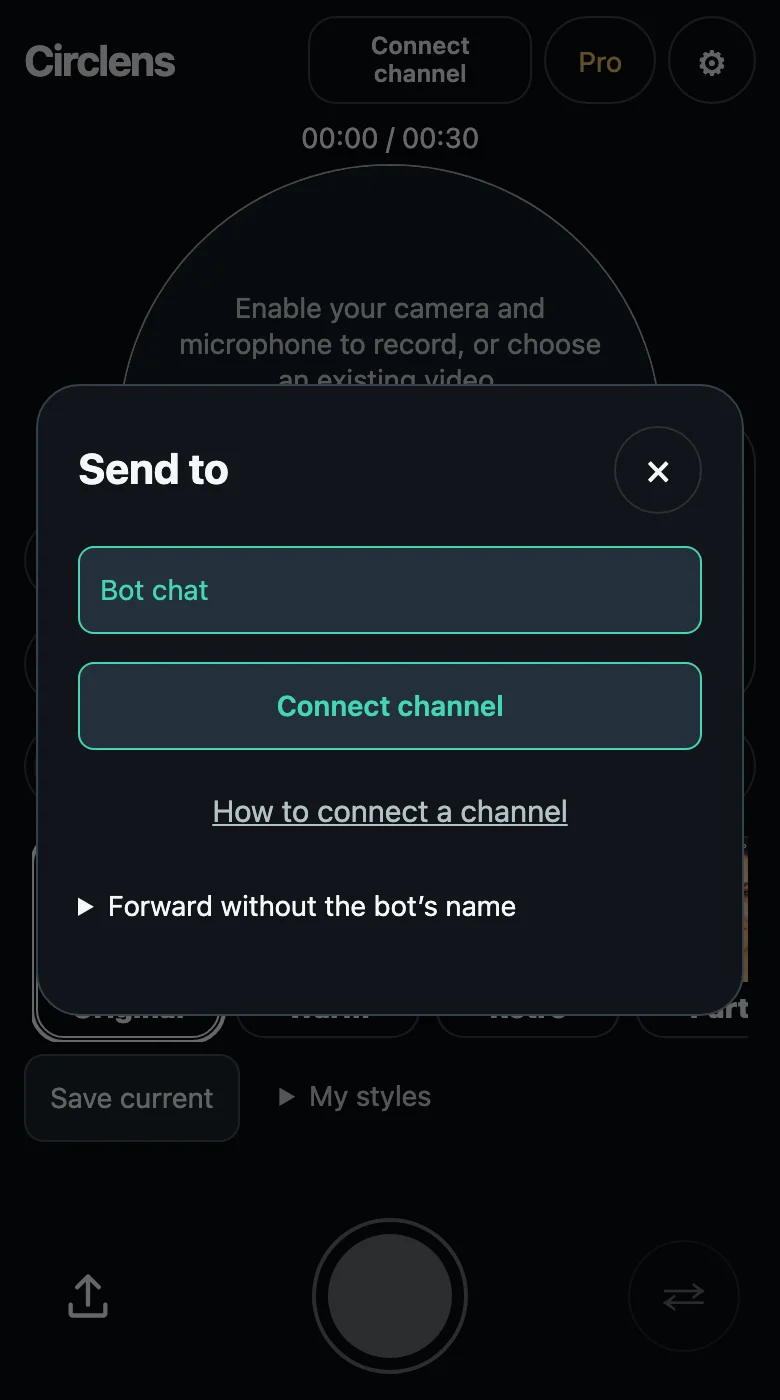
How to connect a channel
Connect your Telegram channel to Circlens once, then publish video circles directly after previewing them. Follow these three steps to choose a channel and grant posting permission.
How it works
- Tap Connect channel on this page. The bot chat opens: tap Start if Telegram asks, then the channel connection button below the message.
- Choose your channel in Telegram and confirm adding @CirclensBot with permission to post messages. Wait for the bot to confirm the connection. Sending a channel name or link in the chat does not connect it.
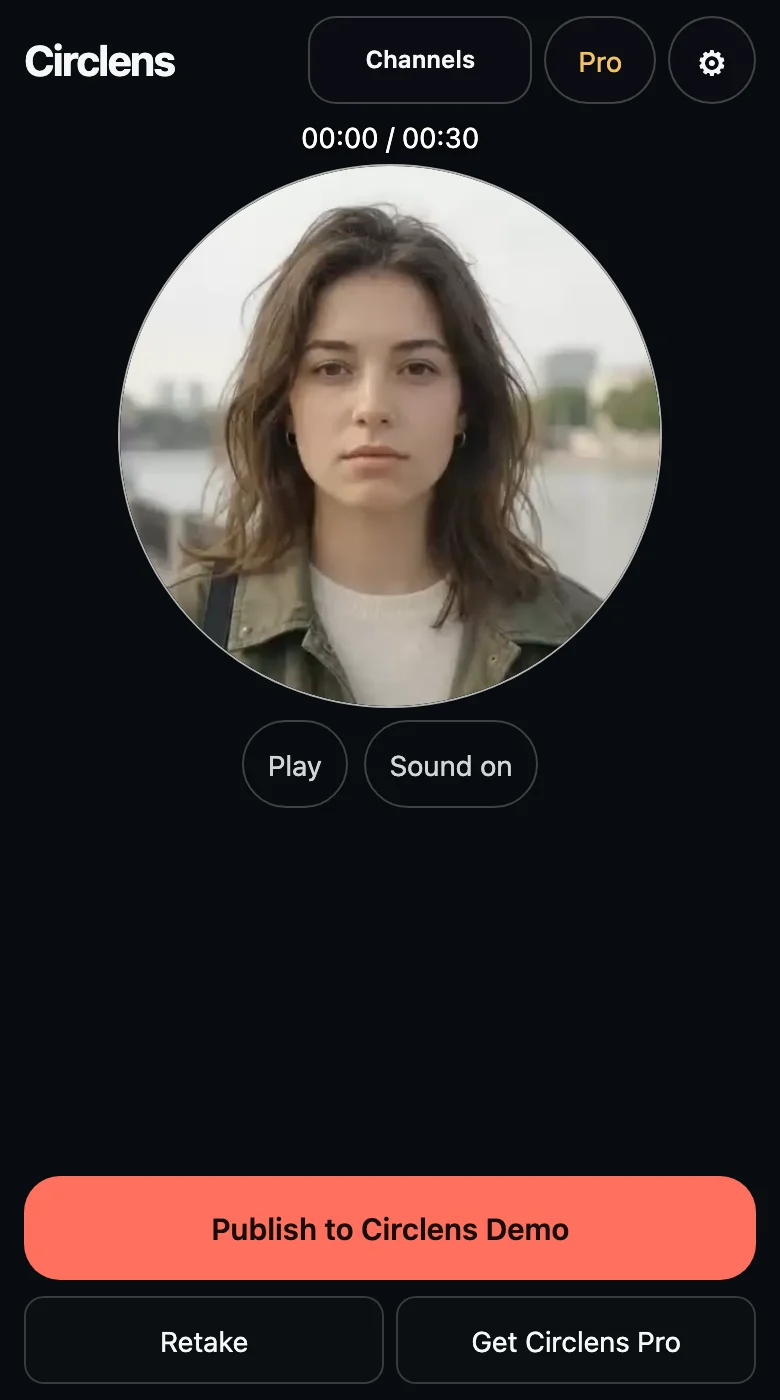
- Return to Circlens and check the selected channel in the top menu. Record or upload a video, review it, then tap Publish. A new channel post appears only after this confirmation.
Screenshots show the English interface with demo data.
Questions
Why is my channel missing or unavailable?
You need permission to post in the channel. Adding the bot as an administrator also requires permission to add admins; ask the channel owner if needed. If the 15-minute request expires, restart connection. If posting rights were removed, restore them before retrying.